
How to Book a Restaurant in Seoul (No Korean Phone Needed)
Learn how to book a restaurant in Seoul without a Korean phone number, using CatchTable Global's English app for reservations and waitlists.
You book most reservation-required restaurants in Seoul through CatchTable Global, the English-language version of Korea's largest booking app, which lets you sign up with Google or Apple and pay deposits with a foreign credit card. Search the restaurant name, tap Reserve or Join Remote Waitlist, and confirm by email. Older, owner-run restaurants that only take phone calls still require a Korean speaker or a booking service like KOncierge.
Seoul dining runs on a reservation and digital-waitlist system that surprises most first-time visitors, since walking in and asking for a table often fails at popular spots. Until CatchTable launched its global English version, tourists needed a Korean phone number (010) and local ID verification just to get in the queue. That barrier is gone for roughly 2,000+ restaurants now listed in English, though many owner-operated places, especially older or hyper-local ones, still only take phone calls in Korean.
Before you start
- Smartphone with app store access — Download CatchTable Global from the App Store or Google Play — search carefully, since the local Korean-only CatchTable app has a near-identical icon.
- Google or Apple account — Sign-up works through Google or Apple login, so you do not need a Korean phone number to create an account.
- Foreign-issued credit card — Deposits for reservation-only restaurants can only be paid with a foreign-issued card inside Catchtable Global; remote or on-site waitlist joins need no deposit at all.
- Email address you check regularly — Confirmations, wait-status updates, and any cancellation notices arrive by email, so check your inbox in the days before you dine.
- Lead time of 1-3 weeks for popular spots — Restaurants in Seongsu-dong, Mangwon, and Itaewon can be fully booked two to three weeks out, especially near Chuseok, Lunar New Year, and peak spring/autumn travel weeks.
Steps
1. Install and set up CatchTable Global
Download the app called Catchtable Global specifically, not the domestic CatchTable app used by Koreans, since the two icons look nearly identical and the local version does not support English or foreign cards. Open the app and sign up using your Google or Apple account rather than a phone number. The interface is available in English, Japanese, Simplified Chinese, and Traditional Chinese, so choose your language on first launch. Once signed in, the app also integrates with Google Maps, so you can browse restaurant locations the same way you already navigate the city.
You should see: You have a working CatchTable Global account with your preferred display language set.
Common mistake: Downloading the Korean-only CatchTable app by mistake, then finding no English option or foreign-card payment field.
2. Search for the restaurant and open its listing
Search the restaurant's name in the app or find it through the Google Maps integration, then open its detail page. Catchtable Global currently covers roughly 2,000 restaurants with English listings, concentrated in Seoul neighborhoods popular with tourists, though coverage keeps expanding beyond the initial 1,500 businesses it launched with in 2024. Read the listing for cuisine type, price range, and photos before deciding between the two paths the app offers: a straight reservation or a remote waitlist join, both accessed from buttons on this same page.
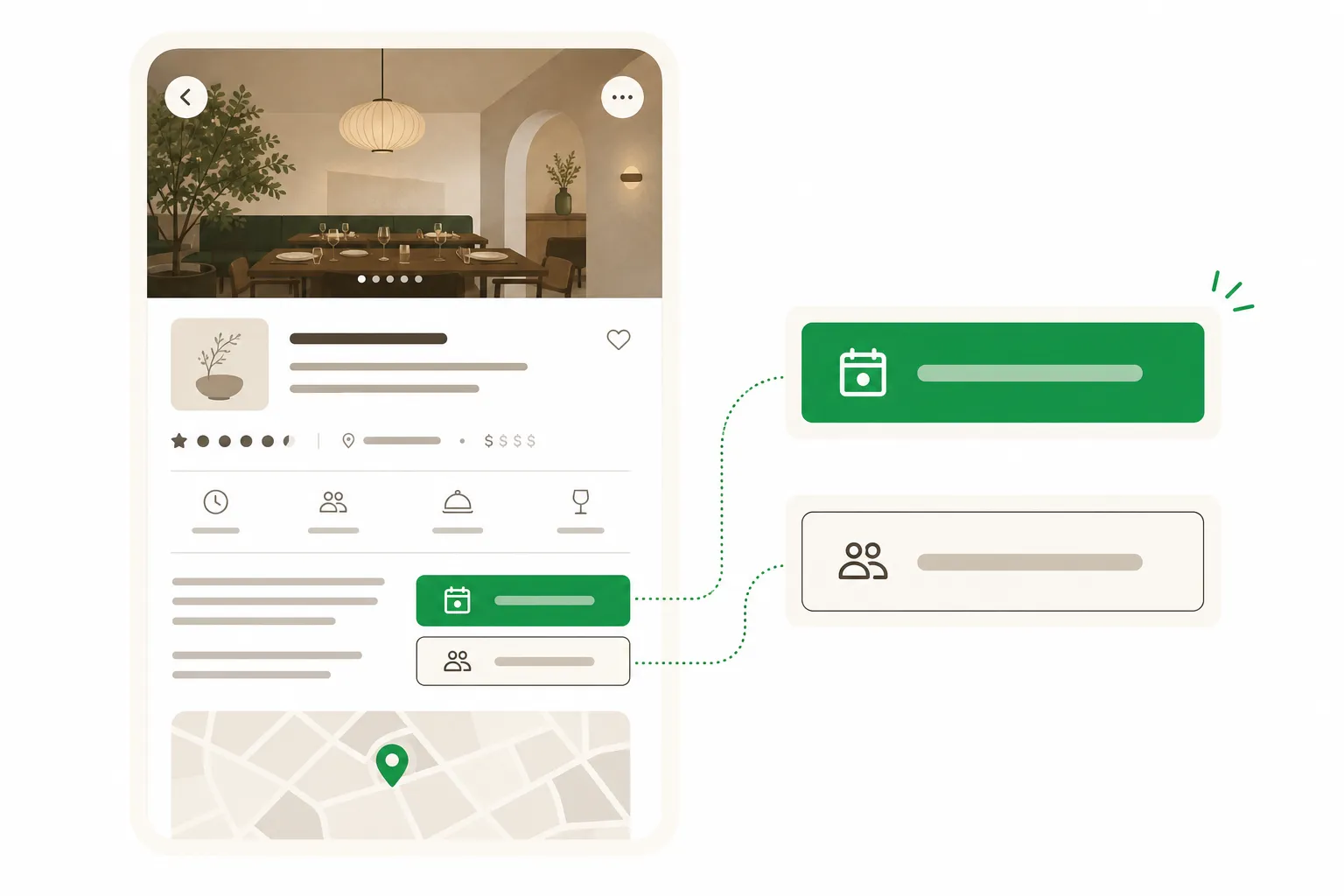
You should see: You have the correct restaurant listing open and can see menu, price range, and available booking options.
Common mistake: The restaurant does not appear at all, which usually means it is an older, owner-operated spot that only accepts phone bookings in Korean.
3. Choose Reserve or Join Remote Waitlist
Tap Reserve if the restaurant takes advance bookings, or tap Join Remote Waitlist if it operates on a same-day queue system, which is common for casual and very popular spots. Both paths follow a similar flow: pick a date and time (or join the current line remotely), enter party size, and submit. Waitlist joins, whether remote or done on-site at the restaurant's kiosk, never require a deposit. Reservation-only restaurants often do require one, specifically to cut down on no-shows at tables that would otherwise sit empty.
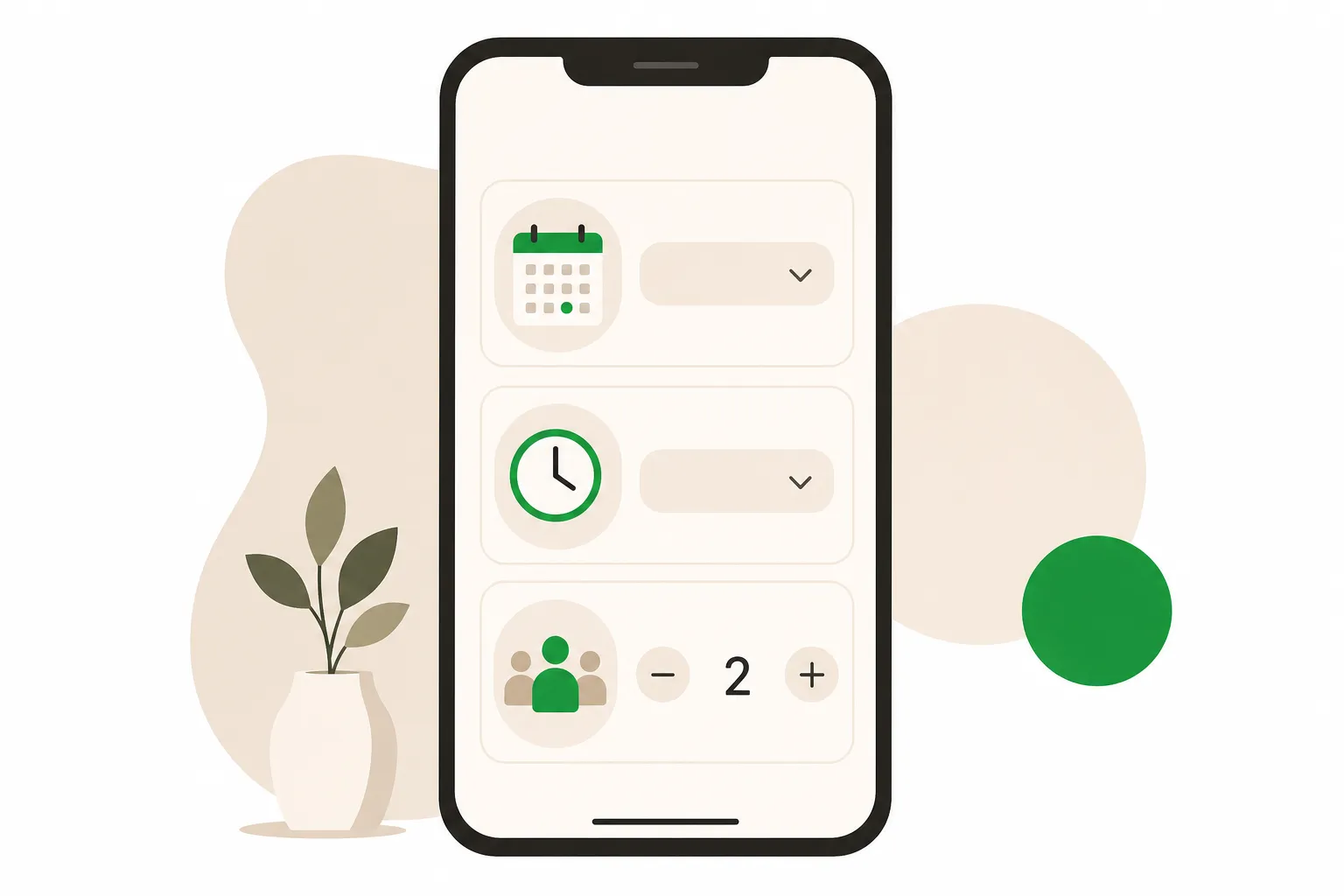
You should see: You have submitted either a timed reservation request or a position in the remote waitlist queue.
Common mistake: Confusing a waitlist join for a guaranteed table — being on the list only means you get notified when a table opens, not an instant seat.
4. Pay the deposit if one is required
Enter your foreign-issued credit card details if the restaurant requires a deposit, since this is the only payment method Catchtable Global accepts for that purpose. Deposits exist specifically to discourage no-shows at high-demand tables, so treat the booking as firm once you pay. If you later see a claim that fine-dining or omakase venues face steeper no-show penalties or fixed refund windows, verify it directly in the app's terms before you rely on it, as specific penalty percentages and refund timelines vary by restaurant and are not uniformly published.
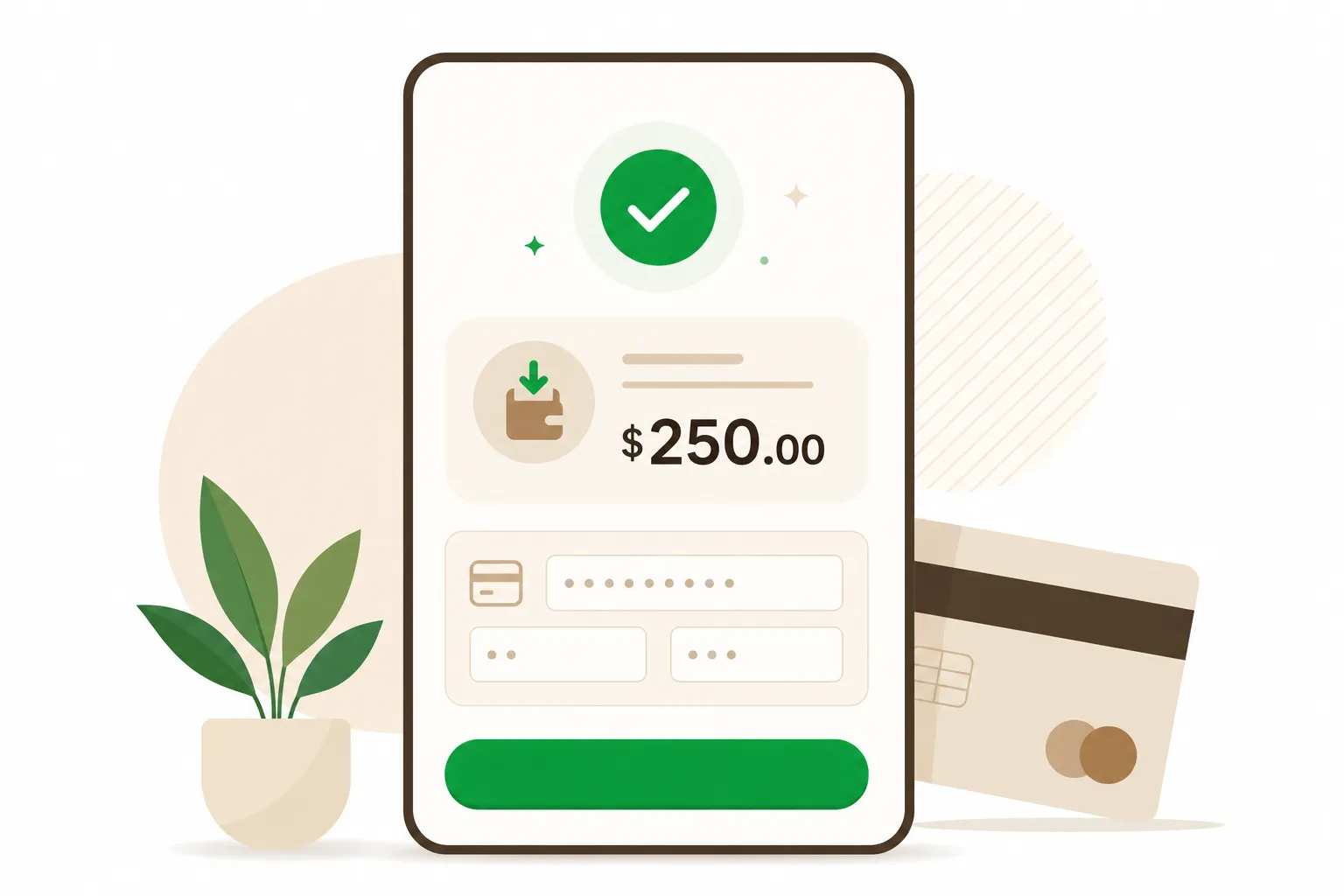
You should see: Your deposit is charged and the reservation status changes to confirmed.
Common mistake: Assuming a domestic Korean debit card will work; the deposit field is built for foreign-issued cards, and using an unsupported card type causes payment failures.
5. Track your confirmation and wait status
Watch your email for the booking confirmation, then check the app's real-time wait status if you joined a remote waitlist rather than a timed reservation. For extremely popular spots like London Bagel Museum or Sancheong Charcoal Garden, expect long queues even through the remote system, so monitor notifications closely and be ready to head over once you're called. If your plans change, cancel through the app rather than no-showing, since deposits are tied to attendance and a no-show can affect your ability to book that restaurant again.
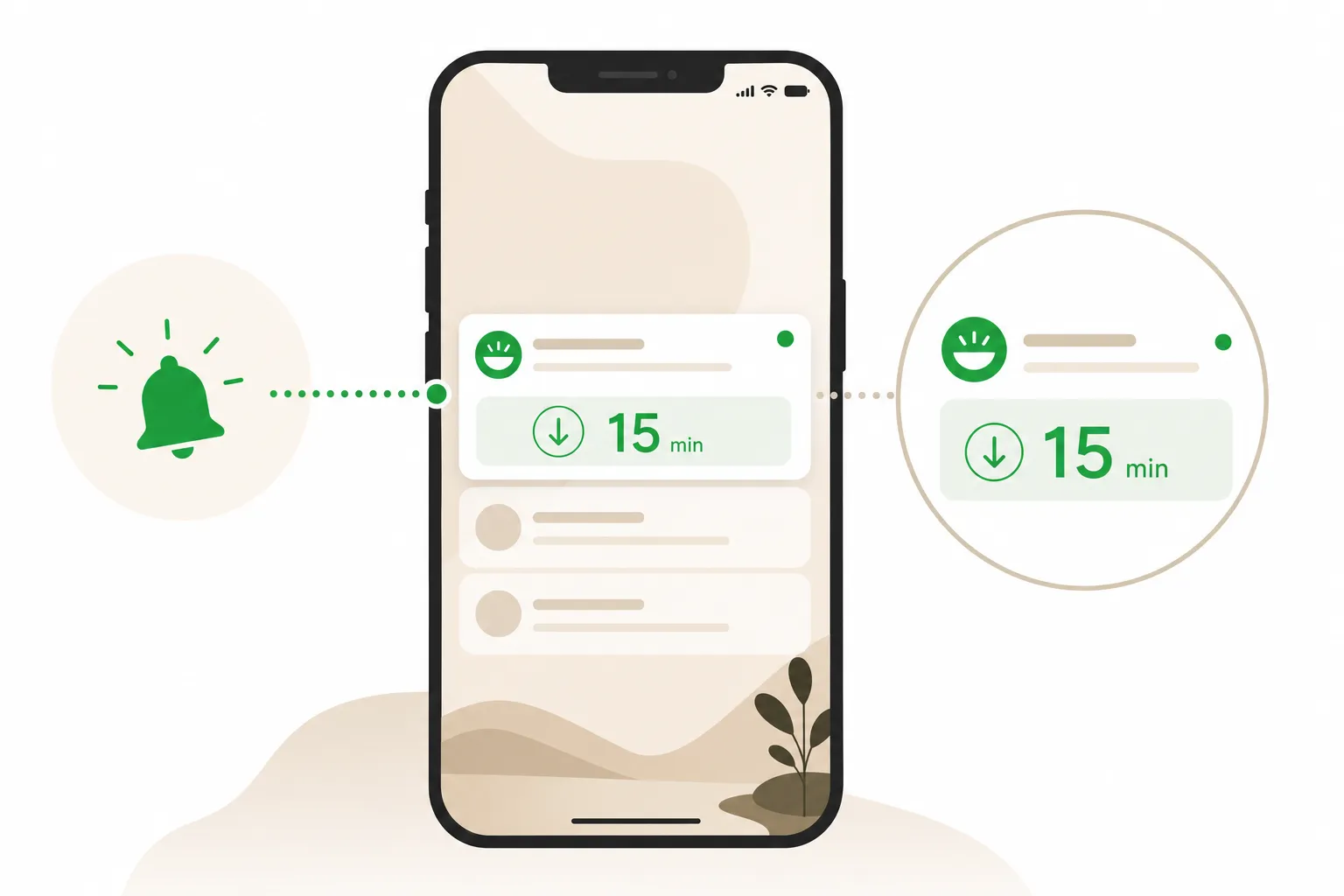
You should see: You receive a confirmed time slot or an active position in the queue with visible wait estimates.
Common mistake: Missing the notification window for a remote waitlist call and losing your place in line.
6. Call directly or use a booking service for phone-only restaurants
Call the restaurant yourself in Korean, or ask someone who speaks Korean to call for you, if the venue is not listed on Catchtable Global at all. Many well-regarded, owner-operated restaurants in Seoul, especially older or very local ones, still only take reservations by phone, with no English-speaking staff and no digital listing. This is the gap services like KOncierge exist to close, since a bilingual assistant can make the Korean-language call, confirm party size and timing, and handle any special requests on your behalf.
You should see: You secure a reservation at a restaurant that has no digital booking option, either yourself or through an assistant.
Common mistake: Assuming every good restaurant in Seoul is on an app; a meaningful share of it, particularly smaller family-run places, is phone-only.
Alternatives
| Option | When to use it | Cost | Trade-off |
|---|---|---|---|
| Direct phone call in Korean | The restaurant is owner-operated, older, or simply not listed on any booking app. | Free (call charges only) | Requires Korean language ability or a Korean-speaking contact, and gives you no digital confirmation record. |
| Walk-in and on-site waitlist | Casual spots, food alleys, or restaurants where you're flexible on timing and can wait 20-60 minutes. | Free | No guarantee of a table, and popular restaurants may stop taking new names hours before closing. |
| Hotel concierge booking | You're staying at a hotel with concierge service and want a local intermediary for a specific occasion. | Usually free with stay, sometimes a fee | Limited to restaurants the concierge already has contacts with, and slower for last-minute changes. |
| KOncierge bilingual booking assistant | The restaurant is phone-only, fully booked on CatchTable, or you want reservations bundled into a wider itinerary. | Service fee varies by request | Costs more than doing it yourself on an app, but removes the language barrier and chasing down unlisted restaurants. |
For any restaurant already listed on Catchtable Global, doing it yourself works fine — the app's English interface, foreign-card payment, and no-phone-number signup remove the main obstacles tourists used to face. Where DIY breaks down is the sizable set of well-known, owner-run restaurants that remain phone-only and Korean-only, and for last-minute bookings at fully queued spots during peak weeks like Chuseok or spring cherry blossom season.
Can't find the restaurant on CatchTable, or need it booked in Korean? Let KOncierge make the call: https://koncierge.kr/en/concierge
Ask KOnciergeFrequently asked questions
Can I book a Seoul restaurant without a Korean phone number?
Yes, Catchtable Global lets you create an account using your Google or Apple login instead of a Korean phone number, which was previously required. This was the main barrier for tourists before the app's English-language version launched, and it now covers roughly 2,000 restaurants nationwide with listings in English.
Does CatchTable Global cost anything to use?
The app itself is free to download and browse. You only pay when a specific restaurant requires a deposit to hold your reservation, which is charged via foreign-issued credit card; joining a waitlist, remote or on-site, never requires a deposit.
What happens if the restaurant isn't listed on CatchTable Global at all?
You'll need to call the restaurant directly, since many owner-operated Seoul restaurants, especially older or very local ones, only take phone reservations in Korean with no English-speaking staff. In that case, ask a Korean-speaking contact to call for you, or use a bilingual booking assistant like KOncierge to make the call and confirm details on your behalf.
How far in advance should I book a popular restaurant in Seoul?
Aim for at least two weeks ahead for well-known restaurants, and two to three weeks for trend-driven neighborhoods like Seongsu-dong, Mangwon, and Itaewon. Book even earlier around Chuseok, Lunar New Year, and peak spring or autumn tourist season, when local demand stacks on top of visitor demand.
What if my CatchTable reservation deposit gets charged but I need to cancel?
Cancel through the app as early as possible rather than no-showing, since deposits exist specifically to discourage no-shows and refund policies vary by restaurant. Some fine-dining or omakase venues reportedly apply stricter no-show penalties and multi-day refund processing, but confirm the exact terms in the app before booking, as these details are not uniformly published across all listings.
Is CatchTable Global the same app Koreans use?
No, it's a separate global version built specifically for foreign visitors, distinct from the domestic CatchTable app that Koreans already use widely. The two apps have similar icons, so double-check you've installed Catchtable Global before entering payment details, since the local version lacks English support and foreign-card processing.
Can I join a restaurant's waitlist remotely instead of standing in line?
Yes, Catchtable Global offers a Join Remote Waitlist option on many restaurant listings, letting you queue from wherever you are and get notified when your table is close. This works the same way as the on-site waitlist kiosk but without physically standing outside, and like on-site waiting, it requires no deposit.
How was this article?
More to read
 booking-reservations
Naver Reservation in English: How Foreign Visitors Can Book (Updated July 2026)
 booking-reservations
How to Book a Korean Restaurant Without a Korean Phone Number (Updated July 2026)
 booking-reservations
CatchTable for Foreigners: How to Book Korean Restaurants Without a Korean Number (Updated July 2026)